


Teaching


Interactive Design Lab 1

Student: Andrea Maes

Deal Scout app
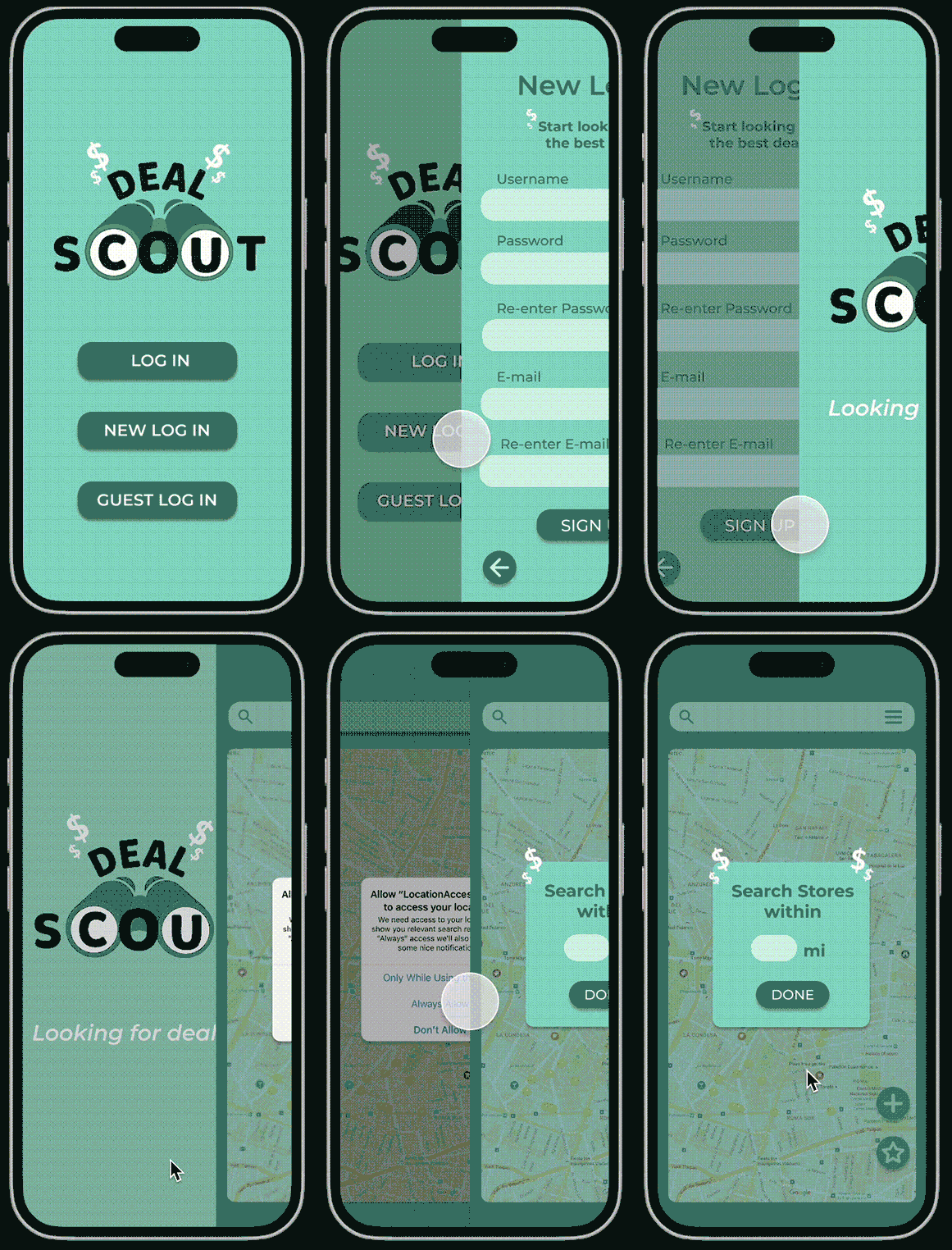
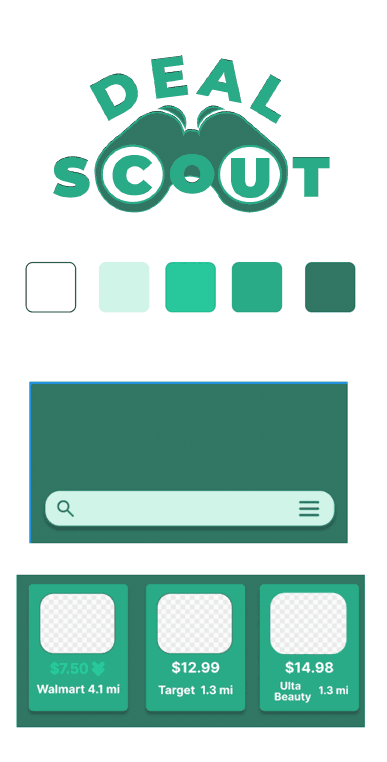
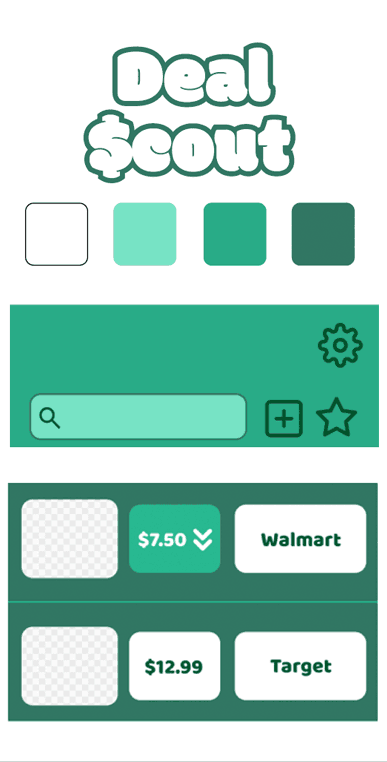
As prices keep increasing, everyone tries to find the lowest prices for their favorite products or goods. This app would help people by showing the stores near the user with the lowest prices or best deals on specific products the user inputs in the app.
 

UX/UI app design
UX/UI app design
UX/UI app design
UX/UI app design
UX/UI app design
UX/UI app design
 

This app would solve the problem of looking through multiple store websites and apps to look for prices. It would also solve the problem of missing out on discounts and store deals. I want this app to help save people time and money.

The only apps similar to this one are made only for the store, such as Walmart and Target. This app is different from them because it has information from multiple stores instead of just one. Users would not have to download all the apps from their favorite stores to look up prices and deals; instead, all that information is in one.


User Scenarios

1. Angela, age: 21
Bio: Angela is a college student who works a minimum-wage job. She supports herself, and to stay on track with what she has to pay off, she makes a budget for everything she needs. She has a budget for makeup she needs to buy, but there are so many stores she can go to, but she wants to go to the store with the lowest prices. Goals and Needs: Angela wants to go to one store with the lowest prices for the makeup she needs. Story: “As a college student on a budget, I need to make sure I can save as much money as possible.”

Main Task:

  1. Angela will enter into the app.
  2. She will search for the brands she is looking for in the search bar.
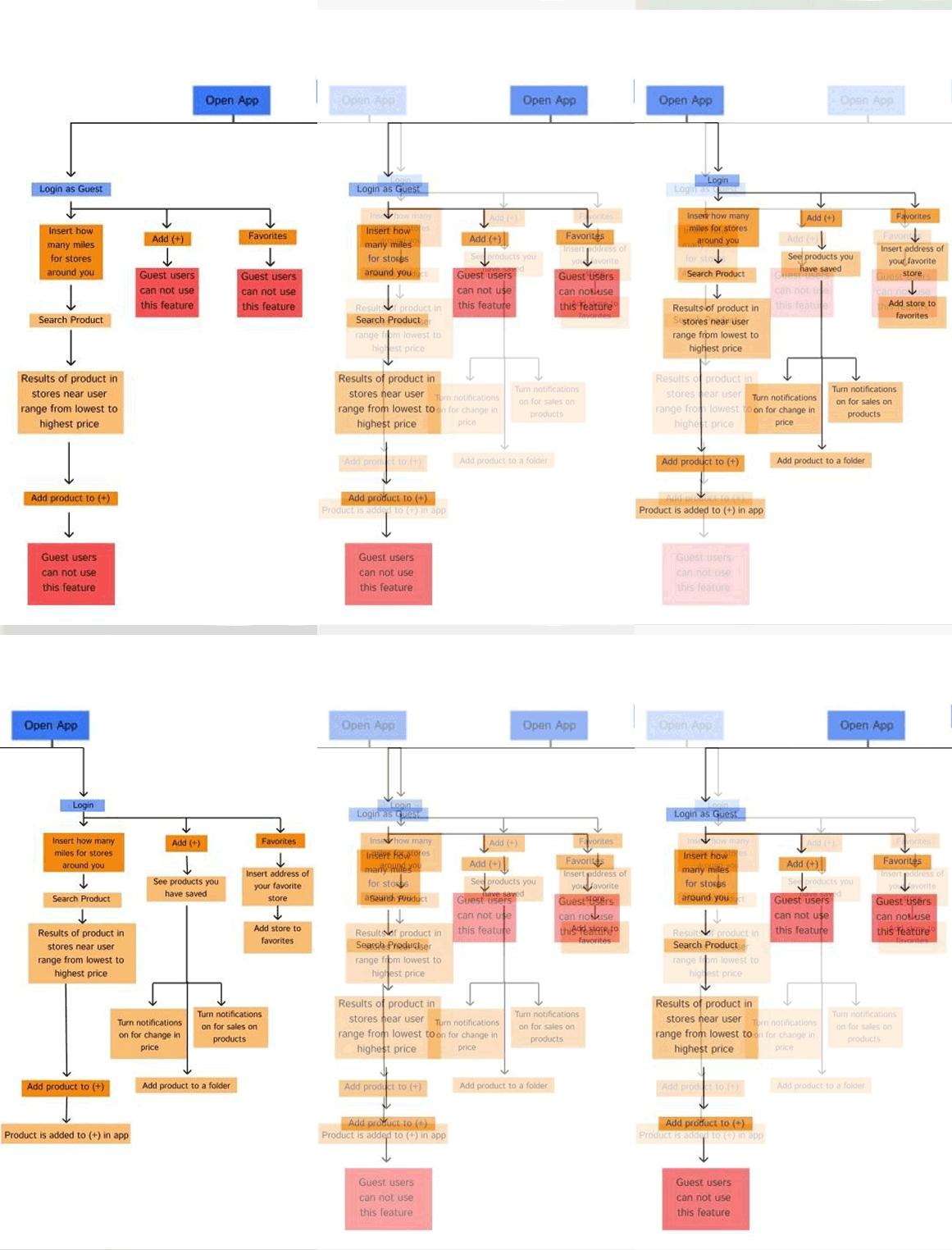
  3. The app will show all the stores near her with the product and the prices from lowest to highest. It will also include if there are any deals for the product she is looking for.
  4. She can save the product, which will remind her if there are any future deals or if the price gets lowered in a store.

2. Catherine, age: 40
Bio: Catherine is a mom of 2 kids. She has a budget for groceries for the week. She goes to 3 grocery stores to save money because they have different products on sale. Before shopping, she goes to the websites of the three grocery stores, compares prices, and checks out the deals. This is very time-consuming for her, and she would rather spend the time watching her kids.
Goals and Needs: She wants the best deals but does not want to spend so much time looking up each item on three websites.
Story: “As a mom, I do not have a lot of time for myself, so I wish all the stores were in one location, so I don’t have to keep switching tabs.”

Main Task:

  1. Catherine will go into the app and search for everything on her list.
  2. She can save the items that are good deals so she can see them later while she shops.
  3. When she has completed her list, she can filter the products based on their store. So she doesn’t have to go to 3 stores to get a good deal.
  4. She can also set up notifications to be reminded of when certain products go on sale or have deals.

3. Andrew, age: 25
Bio: Andrew likes to go to the gym and take protein to help him reach his goals. The protein powder he takes is expensive, so to save money, he likes to buy it when it's on sale or two-for-one.
Goals and Needs: Andrew is very busy and cannot go to the store to check if the protein powder is on sale. When he runs out of protein powder and goes to buy more, it's rarely on sale.
Story: “I wish I could be notified of when my protein powder is on sale, so I don’t keep buying it at full price when I run out.”

Main Task:

  1. We assume Andrew made an account on the app.
  2. He searches for his protein powder and the stores near where he lives.
  3. He saves the protein powder and goes into settings to have the app notify him of when it goes on sale, or the price goes down.