1. Ania, age: 53
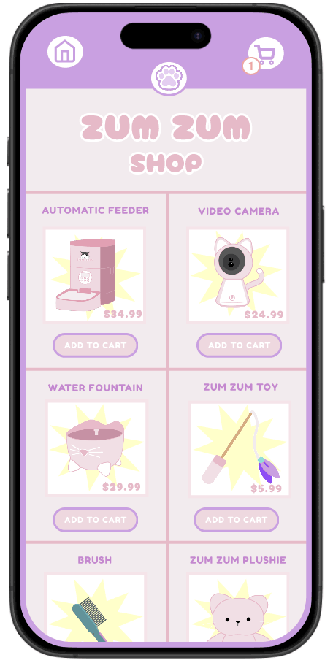
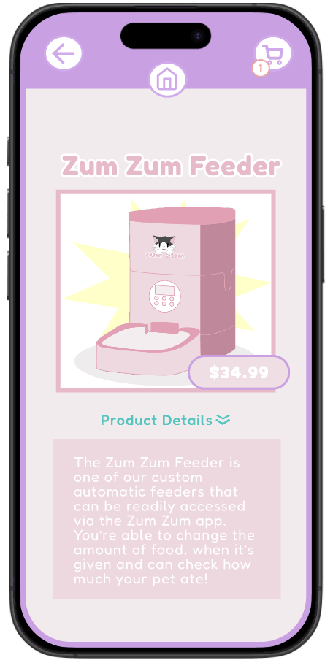
Bio: Ania is a full-time worker who takes care of her cat but gets home very exhausted. She has enough disposable income to get the Zum Zum feeder, camera, and water fountain, which helps take a load off. Now, she doesn’t have to worry about having to give her cat food early in the morning or at night when she gets home because she can remotely set up the feeder times through her phone. She can also keep track of her cat’s water intake and also check up on her cat when she’s at work through the app.
Goals and Needs: Ania was coming home tired and the last thing she’d want to do was another task. With the Zum Zum app and products, her life was eased and she no longer had to worry about getting up early to feed the cat and fill up its water or having to do that when she got home from work.
Story: “The app and products provided by Zum Zum make it infinitely more convenient for me to care for my cat as someone who works a 9-5.”
Main task:
2. Sasha, age: 15
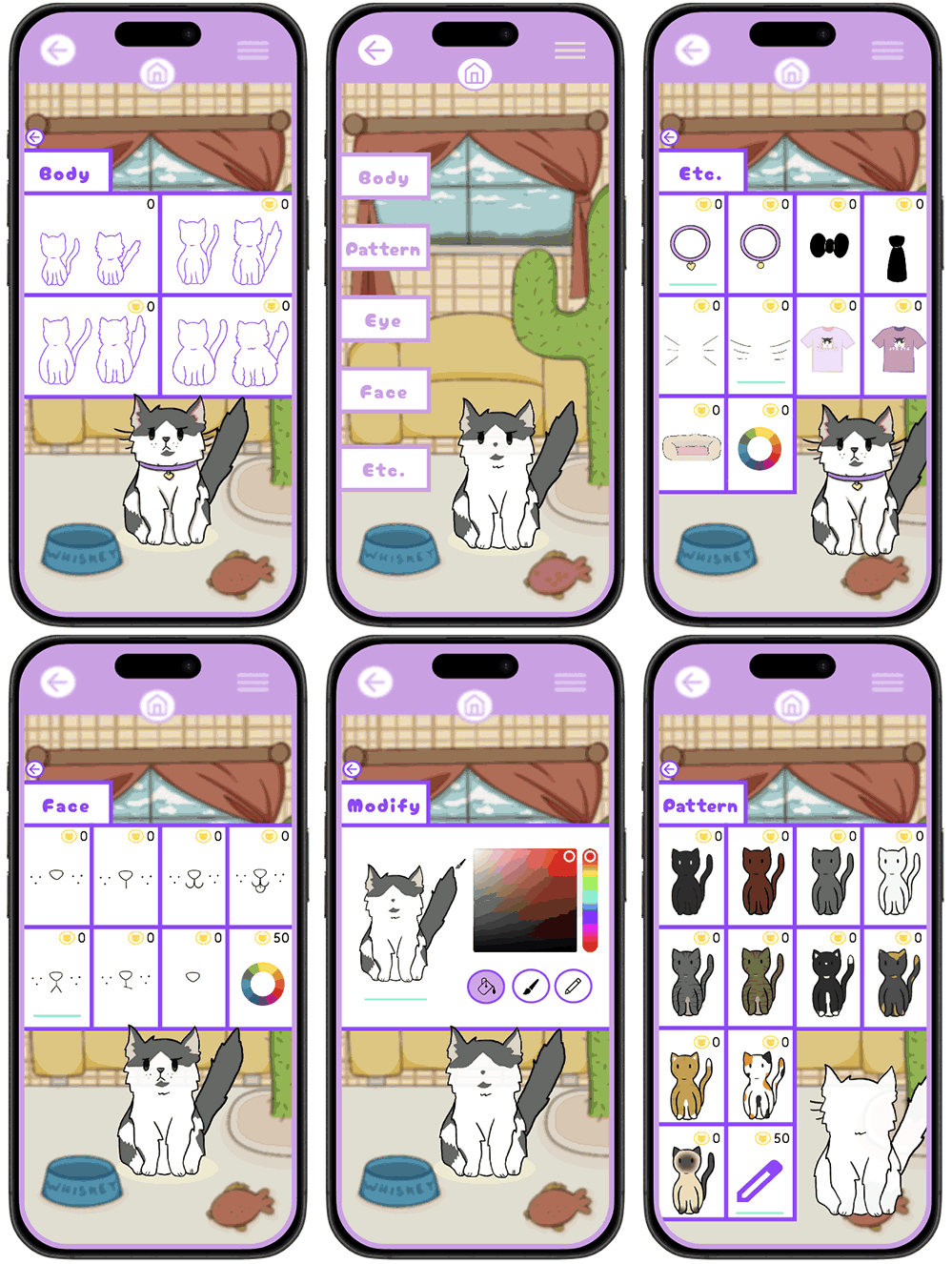
Bio: Sasha is a high school freshman who downloaded Zum Zum after finding out about the feature where you can customize and play games through a cat avatar. Even though she doesn't own a cat, she loves to log on and play some of the minigames Zum Zum offers to collect coins and personalize her pets even more. She and her friends have a competition on who can make their Zum Zum cat look the best with the outfits they make.
Goals and Needs: Sasha seeks entertainment from the Zum Zun application, not practical usage.
Story: “I love how fun and easy it is to dress up my cat avatars; I’m able to make different outfits for them!”
Main Task:
3. Jacob, age: 21
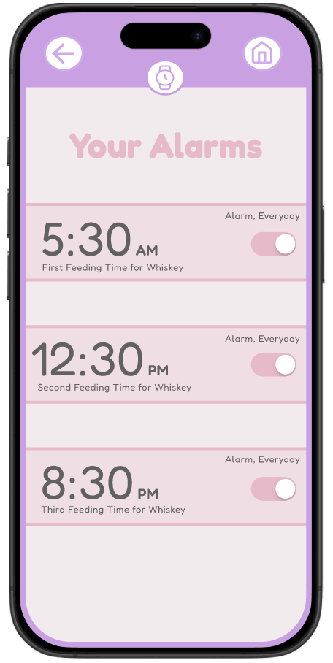
Bio: Jacob is a college student who works part-time and has two cats. He takes care of them as best he can but sometimes forgets when he feeds his pets last. He decides to download Zum Zum to keep better track of when he’s feeding them. The app sends him reminders for when his cats should be fed (according to what he set the times as). He can’t necessarily afford feeders and video systems but the app still helps him maintain a regular feeding schedule for his cats.
Goals and Needs: Instead of guessing when he last fed his cats, Jacob now has an app dedicated to giving him updates on when he should.
Story: “As a college student with a busy schedule I sometimes forget when I last fed my cats, now I’m able to set reminders and be confident that my pets are well fed.”
Main Task: